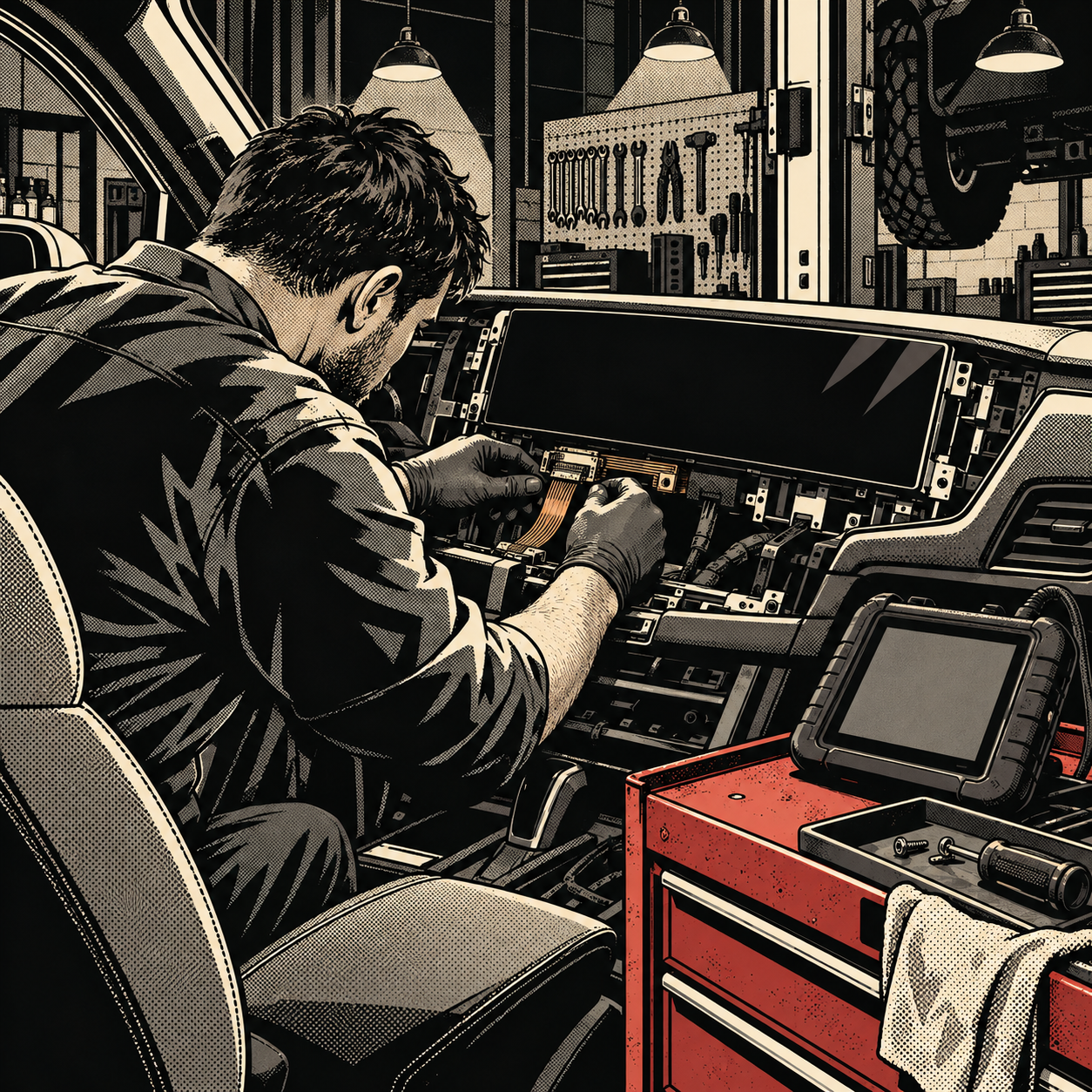
Online reaction to the latest wave of concept cars has been loud, and a lot of it boils down to the same complaint: too much screen, not enough substance. Whatever you think of the styling trends, the underlying gripe has a real technical basis. Wraparound dashboard displays, model-exclusive HMI modules, and touchscreen-controlled climate and drivetrain functions are landing in service bays now, and they behave nothing like the switches and gauges they replaced. This post walks through how to diagnose, source parts for, and protect your shop against the realities of screen-heavy vehicle architecture.
The Shift from Switches to Screens — and What It Means for Your Bay
A decade ago, a failed HVAC control or a dead radio was a self-contained repair: pull the unit, test it on the bench, swap it, done. Today, a single capacitive display often routes climate control, drive mode selection, ADAS settings, and infotainment through one panel tied into the vehicle’s CAN or Ethernet backbone. That consolidation means a single cracked or dead screen can take multiple vehicle systems offline simultaneously, and a misdiagnosis can send you chasing the wrong module entirely.
Practically, this changes your intake process. When a customer says “the screen is black,” you can no longer assume it’s a display problem. Start by asking what else stopped working — climate control, backup camera, drive mode, steering wheel controls — because the answer narrows whether you’re looking at a display panel failure, a communication bus fault, or a power/ground issue upstream of the module.
Common Failure Points in Large-Format Touchscreen Dashboards
Several failure patterns show up repeatedly on large capacitive displays, and most are predictable once you know where to look:
- Heat-related delamination and discoloration. Big panels mounted across the top of the dash take direct sun exposure for hours. Adhesive layers between the glass and LCD/OLED substrate degrade, causing yellowing, bubbling, or dead pixel zones, especially at the edges.
- Ribbon cable and connector fatigue. Wraparound and curved screens rely on flex cables routed around tight bends. Repeated thermal cycling cracks solder joints at the connector, producing intermittent dropouts rather than a clean failure — the hardest kind to chase.
- Touch digitizer failure independent of display failure. The glass can still show an image while the capacitive touch layer stops registering input, which looks like a “frozen” screen but is actually a separate failed component.
- Backlight and driver board failure. On larger panels, backlight driver boards run hotter and fail more often than the display panel itself. A dim or flickering screen that still responds to touch points here first.
- Software/firmware corruption after a failed update. Partial OTA or dealer-pushed updates can leave a module in a boot loop that mimics hardware failure.
Product search: automotive touchscreen digitizer and ribbon cable repair kit

Diagnostic Steps for Infotainment and Display Faults
Treat a screen complaint as a systems diagnosis, not a parts swap, until you’ve confirmed where the fault actually lives:
- Check power and ground first. A scan tool pull of module voltage and a multimeter check at the connector rules out a starved or noisy supply before you blame the display.
- Pull codes across all affected modules, not just the HMI/infotainment controller. A display dropout paired with a climate control fault often points to a shared bus or gateway module issue rather than two unrelated failures.
- Check CAN/LIN bus health with an oscilloscope or bus analyzer. Intermittent screen resets are frequently caused by bus noise or a failing termination resistor somewhere else in the network, not the screen itself.
- Isolate touch vs. display separately. If the panel supports a service menu or diagnostic mode, run it to confirm whether touch input registers even when the visible image is degraded, or vice versa.
- Reseat and inspect flex connectors before condemning the panel. Many “intermittent black screen” complaints resolve with a reseated ribbon connector or replaced pin terminal.
- Check for pending firmware updates or known service bulletins. OEMs issue reflashes for known boot-loop or freeze issues on specific model years; a software fix is cheaper and faster than a parts swap if it applies.
Document your findings at each step. Because these systems share so much wiring and logic, a clear diagnostic trail protects you if the customer needs a second opinion or if the repair gets escalated under warranty.
Sourcing Parts When the Screen Is Model-Exclusive
One of the loudest technician-side complaints about the new generation of dashboard screens is interchangeability — or the lack of it. Many large-format panels are designed for a single model, sometimes a single model year, with no shared part number across trims or platform siblings. That has practical consequences for your shop:
- Lead times matter. Check OEM parts availability before promising a turnaround. Model-exclusive displays can have multi-week backorders, especially in the first two to three years after launch.
- Salvage and refurbished units are often the realistic option. Aftermarket replacement panels lag new models by a year or more, so salvage yards and refurb vendors that recondition the original panel (replacing just the digitizer or backlight board) are frequently faster and cheaper than waiting on OEM stock.
- Core exchange programs reduce cost. If a vendor offers a core return on the failed panel, factor that into your quote — it can cut the price difference between a used and OEM-new unit significantly.
- VIN-specific calibration may be required after replacement. Some modules are paired to the vehicle’s VIN or require a re-pairing procedure with the body control module after installation. Confirm this before the job starts so it’s reflected in labor time and customer expectations.
ADAS, Cameras, and Sensors Hiding Behind the Glass
On many current platforms, the dashboard screen isn’t just a display — it’s the primary interface for driver assistance settings, and the camera/sensor array that feeds those systems is often mounted near or behind the same console assembly. That means a screen replacement or a dash removal for an unrelated repair can disturb ADAS alignment. Before you close out any job that involved removing or replacing the center stack or dash panel:
- Verify whether a forward-facing camera, radar unit, or cabin sensor shares a mount point with the display assembly.
- Run a static or dynamic calibration per OEM procedure if any ADAS-related component was disturbed, even if it wasn’t the part you replaced.
- Check for ADAS-related DTCs after reassembly, not just infotainment codes — a clean radio screen with a hidden lane-assist fault is a comeback waiting to happen.
Future-Proofing Your Shop for Screen-Heavy Vehicles
These systems aren’t a passing trend regardless of how the styling lands with consumers. Shops that invest early in the right diagnostic capability avoid turning away work or guessing on jobs that should be straightforward:
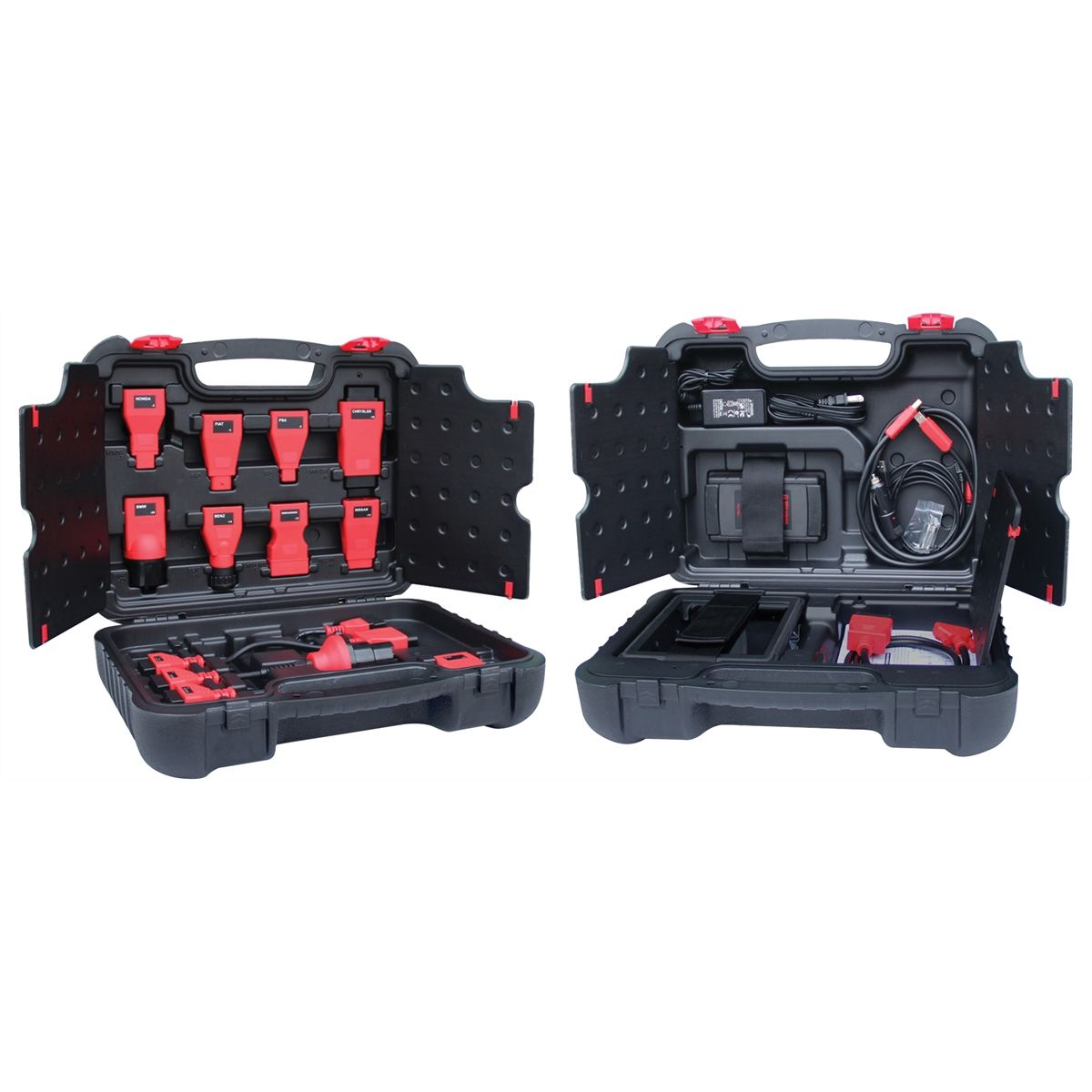
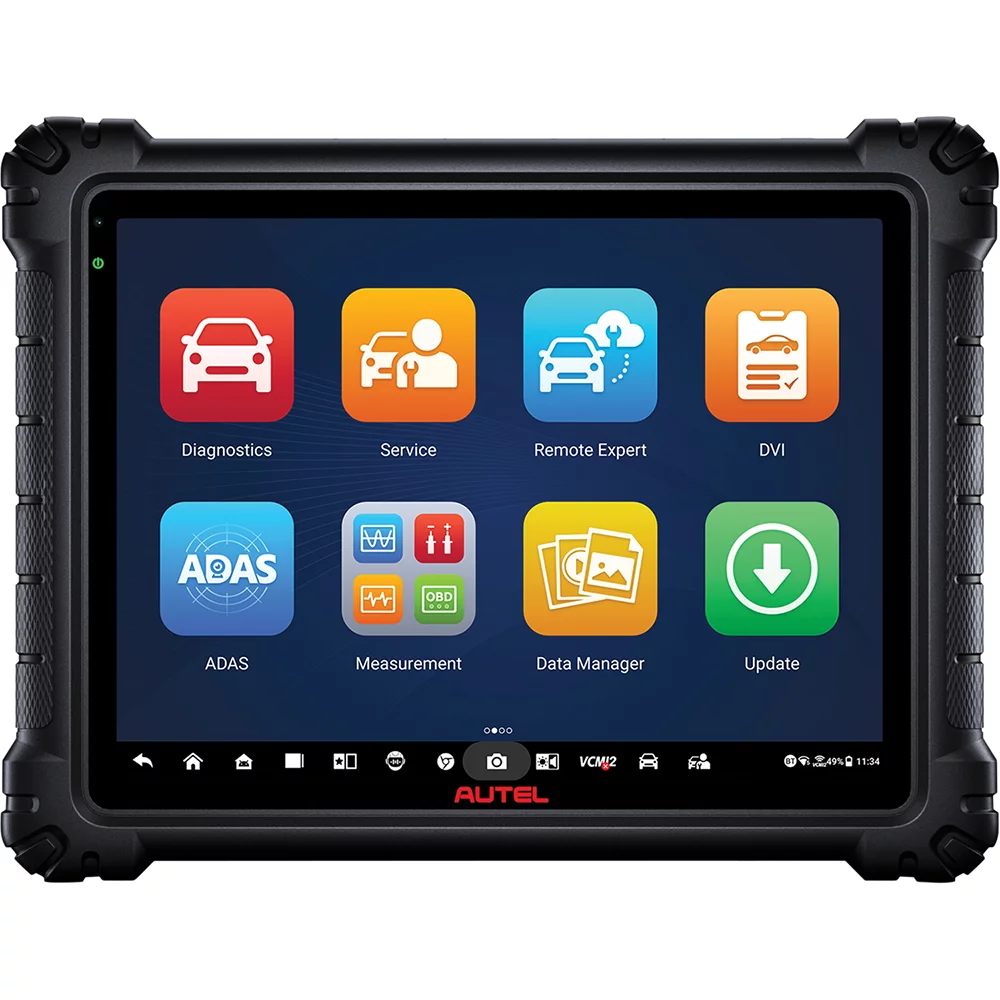
- A scan tool with OEM-level bidirectional controls and module programming capability, not just generic OBD-II code reads.
- A bus analyzer or scope capable of reading CAN/LIN/Ethernet traffic for intermittent network faults.
- Subscription access to OEM service information and TSBs for the brands you service most, since firmware-related fixes are increasingly common.
- A relationship with at least one salvage or refurb supplier for model-exclusive display panels, so lead time isn’t a surprise mid-job.
Product search: professional automotive diagnostic scan tool kits
Quick Checklist
- Confirm which other systems are affected before assuming it’s a screen failure
- Pull codes from every module on the shared bus, not just infotainment
- Check power, ground, and connector condition before condemning the panel
- Separate touch digitizer faults from display/backlight faults
- Check for OEM firmware updates or TSBs before ordering parts
- Confirm parts lead time and consider refurb/salvage options for model-exclusive panels
- Recalibrate ADAS sensors if the dash or console assembly was disturbed
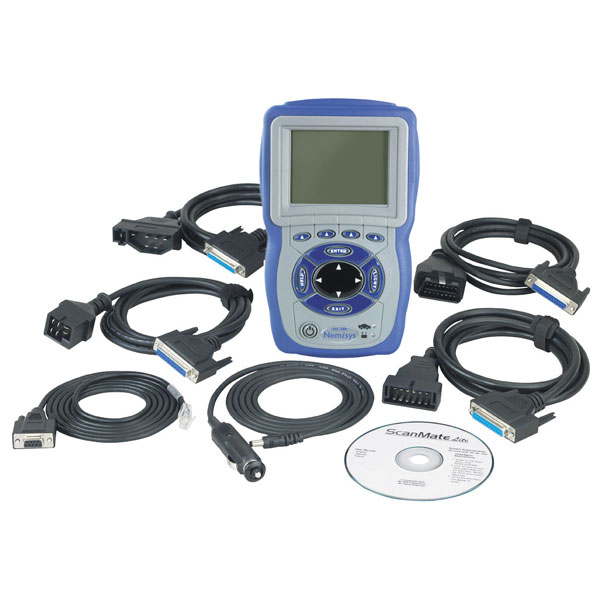
Nemisys USA Domestic Scan Tool Kit w/ 2008 Software Upgrade Coup
Mfg: OTC Tools and Equipment
Part #: 3797M08
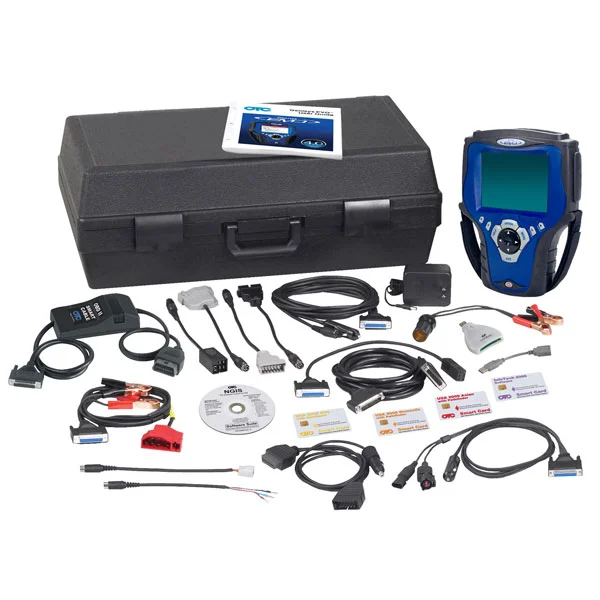
dup GENISYS 2009 DELUXE SCAN TOOL W/ABS CABLE
Mfg: OTC Tools and Equipment
Part #: OT3866
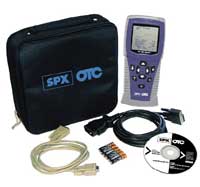
superseded - OTC ScanPro(TM) - CANOBD Compliant
Mfg: OTC Tools and Equipment
Part #: 3409
FAQs
Why do large touchscreen dashboards fail more often than older radio/climate units?
They combine more functions into one component, sit in direct sun exposure across a wider surface, and use flex cables and adhesive layers that are more sensitive to heat cycling than traditional switches and knobs.
Can a dead touchscreen be fixed without replacing the whole unit?
Often yes. Backlight driver boards, ribbon cables, and digitizers can frequently be repaired or replaced independently of the full display assembly, which is usually cheaper than a complete OEM replacement.
Is it safe to install a refurbished or salvage display instead of OEM new?
In most cases yes, provided the unit is reconditioned properly and any required VIN pairing or module calibration is completed after installation. Confirm the vendor’s warranty terms before committing.
Do I need to recalibrate ADAS systems after a dashboard or console repair?
If a camera, radar, or cabin sensor shares a mount point with the component you removed, yes — check OEM procedure and run static or dynamic calibration even if the sensor itself wasn’t replaced.
What’s the biggest mistake technicians make diagnosing these systems?
Treating the screen as an isolated component. Because these displays are wired into shared buses and gateway modules, skipping a full code pull across affected systems leads to misdiagnosis and comebacks.
How long should I expect to wait for a model-exclusive replacement screen?
It varies widely by brand and model year, but lead times of several weeks are common for OEM-exclusive panels in the first few years after a vehicle launches. Check availability before quoting a turnaround to the customer.
Recommended Diagnostic Equipment
Accurate diagnosis of screen faults and infotainment failures requires the right diagnostic tools. Explore our Automotive Diagnostic Tools collection for scan tools, bus analyzers, and accessories you need to troubleshoot modern vehicle systems.
- Scan tools with OEM-level bidirectional control and module programming
- CAN/LIN bus analyzers for network diagnostics and testing
- Connectors and test accessories for module troubleshooting

The Toolsource Technical Team blends decades of real-world automotive service experience with up-to-date technical research. Our writers collaborate with professional mechanics, shop owners, and diagnostic specialists to deliver practical, workshop-ready guidance you can trust.


Follow us on social media