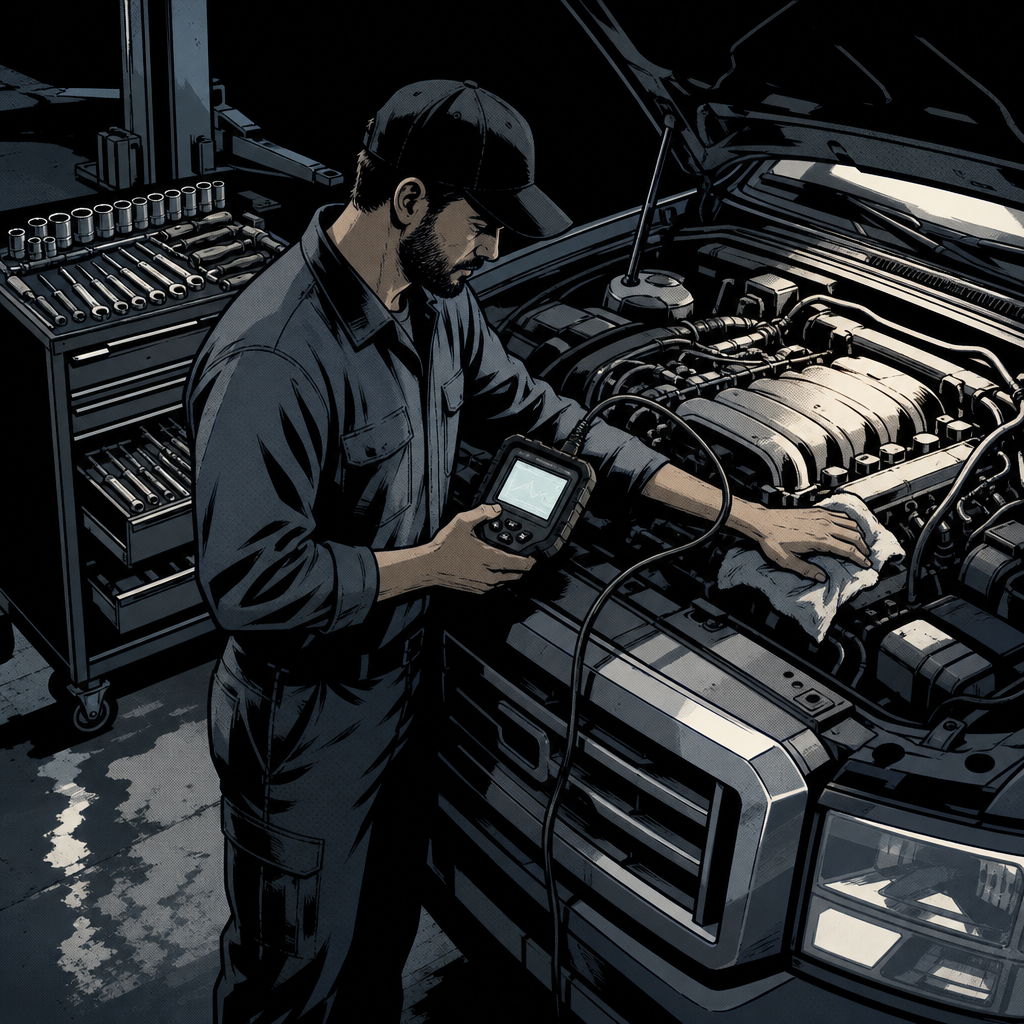
Every few months, a thread about technician pay blows up in the automotive forums, and the arguments always land in the same place: someone claims techs deserve 60% of the labor rate, someone else says that number would bankrupt any shop within a year, and a dozen techs chime in with wildly different real-world numbers. The confusion isn’t really about greed or fairness — it’s about a lack of shared vocabulary. “Profit,” “labor rate,” and “percentage” mean different things depending on who’s using them. This guide breaks down how shop pay structures actually work, what a realistic percentage of the door rate looks like, and how to build a factual case if you’re heading into a pay conversation.
How Shops Actually Structure Technician Pay
Most independent shops use one of three models, or some hybrid of them:
Flat rate (commission on billed hours): You’re paid a set dollar amount per “flagged” hour of labor sold, regardless of how long the job actually takes. A brake job billed at 1.5 hours pays 1.5 hours whether you finish in 45 minutes or two hours. This rewards speed and experience but creates income swings during slow weeks.
Hourly (clock time): You’re paid for time on the clock, period. It’s more stable and better for morale on maintenance-heavy days, but it doesn’t reward a tech who’s faster or more skilled than the shop average.
Percentage of labor rate (a variant of flat rate): Your flat-rate dollar figure is expressed as a percentage of the shop’s posted door rate. If the door rate is $180/hour and you’re paid at 30%, you earn $54 per flagged hour. This is the model most of the online pay debates are actually arguing about, because it’s the easiest to compare across shops.
Some shops blend these — hourly base pay plus a bonus tied to flagged hours or gross sales, which reduces income volatility while still rewarding productivity. If you don’t know which model you’re on, or how your effective hourly rate is actually calculated in a slow month versus a busy one, that’s the first thing to nail down before any pay conversation.
What Percentage of the Door Rate Is Actually Realistic
The 60% figure that ignites these debates isn’t grounded in how shop finances work. A shop has to cover rent, insurance, tool and equipment costs, software subscriptions, parts markup risk, front-office wages, and the owner’s own pay before anything is “profit.” Techs interviewing across different shops consistently report a working range of roughly 25% to 40% of the labor rate for flat-rate pay, with most well-run independent shops landing between 28% and 33%. At a $200/hour door rate, that’s $50–$66 per flagged hour. Diagnostic specialists, shop foremen, and techs who bring in their own advanced tooling can push toward the higher end or negotiate a flat hourly rate that reflects specialized skill instead of a straight percentage.
Numbers above 40% are not impossible, but they typically require either an unusually high labor rate, extremely high shop efficiency, or an owner absorbing thinner margins than industry norms. Treat any number outside the 25–40% band — in either direction — as a signal to ask more questions rather than accept it at face value.
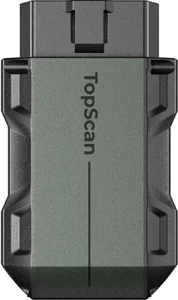
Pocket-Size Bluetooth Scan Tool w/Bi-Directional Controls
Mfg: TOPDON
Part #: TOPSCANPRO
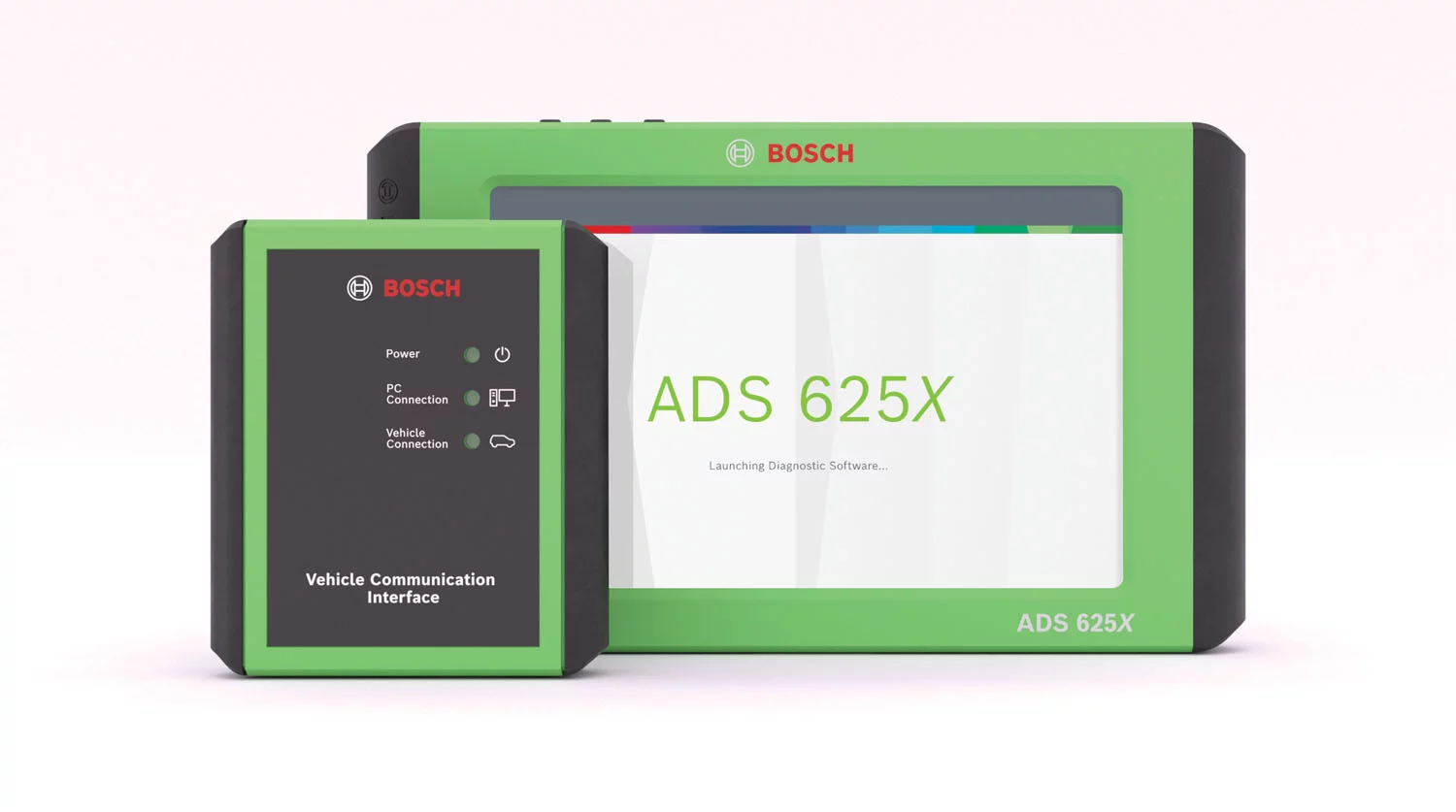
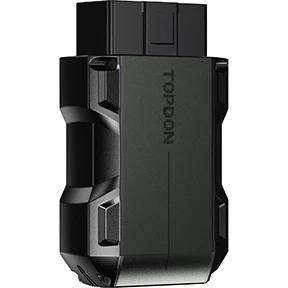
Topdon Pocket-Size Bluetooth Scan Tool w/Bi-Directional Cont
Mfg: TOPDON
Part #: TOPSCANLITE
Gross Profit, Net Profit, and Why Shop Numbers Get Misused
A shop that “made $800,000” could mean two very different things. Gross profit is revenue minus the direct cost of parts and labor for jobs — it says nothing about rent, payroll taxes, insurance, equipment financing, software, utilities, or the owner’s salary. Net profit is what’s left after every one of those costs is paid. A shop can post $800,000 in gross labor sales and net well under $100,000 once overhead is subtracted — that gap is often the single biggest source of pay disputes, because techs see the top-line number and assume it’s all available for payroll.
If you want a credible case for a raise, don’t argue from a gross sales figure you can’t verify. Instead, calculate your own flagged hours and effective hourly rate over the last 90 days, and compare that to documented market rates for your skill level and region. That’s a number the owner can’t dispute, and it’s the number that actually determines your paycheck.
Efficiency Is the Real Lever on Your Paycheck
Under a flat-rate or percentage model, your income isn’t set by the labor rate alone — it’s set by how many billed hours you can produce in a clock hour. A tech running at 100% efficiency flags one hour of labor for every hour worked. A tech running at 150% efficiency — common among experienced techs with the right tooling and a well-organized bay — flags 1.5 hours for every hour on the clock, effectively raising their real wage by 50% without any change to the pay percentage.
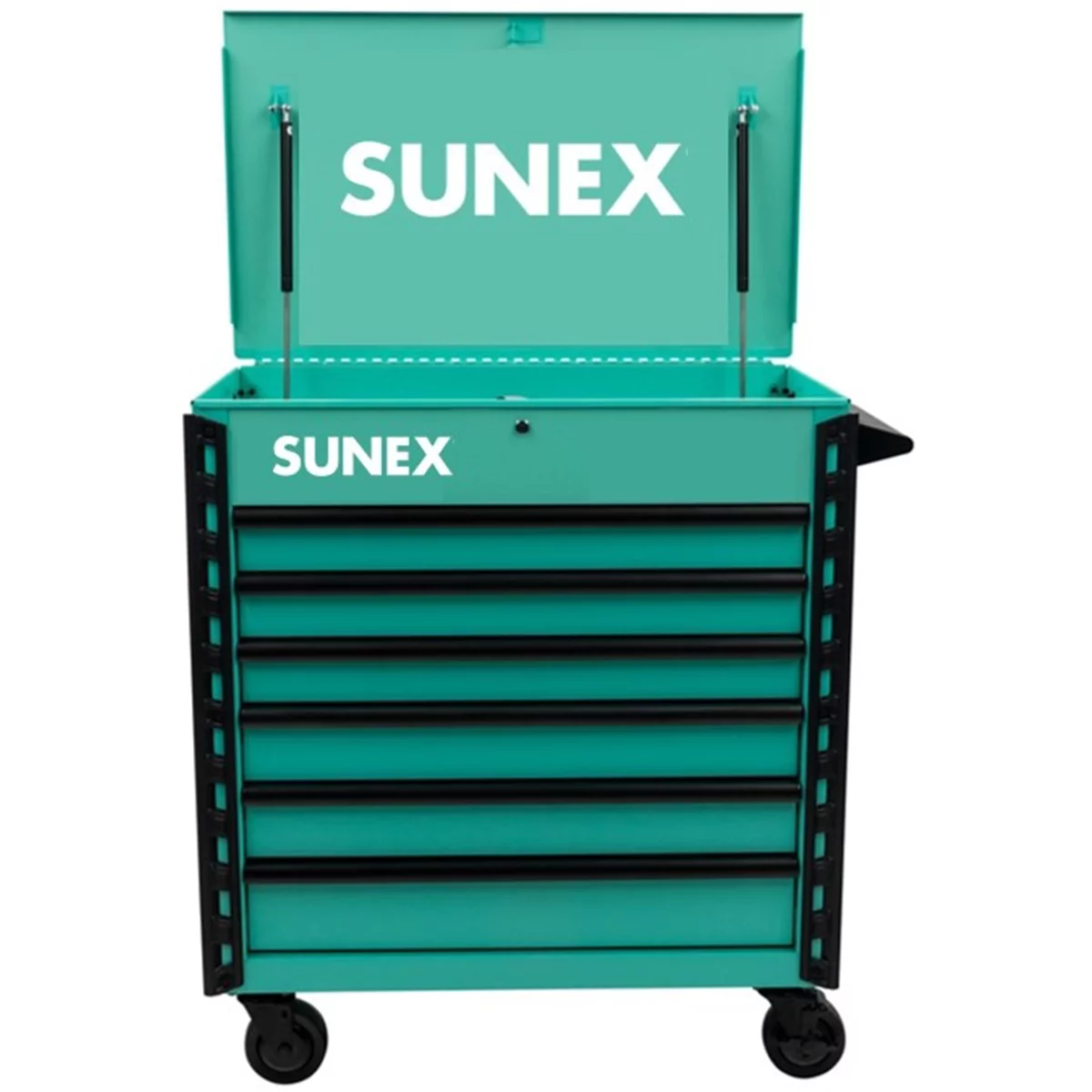
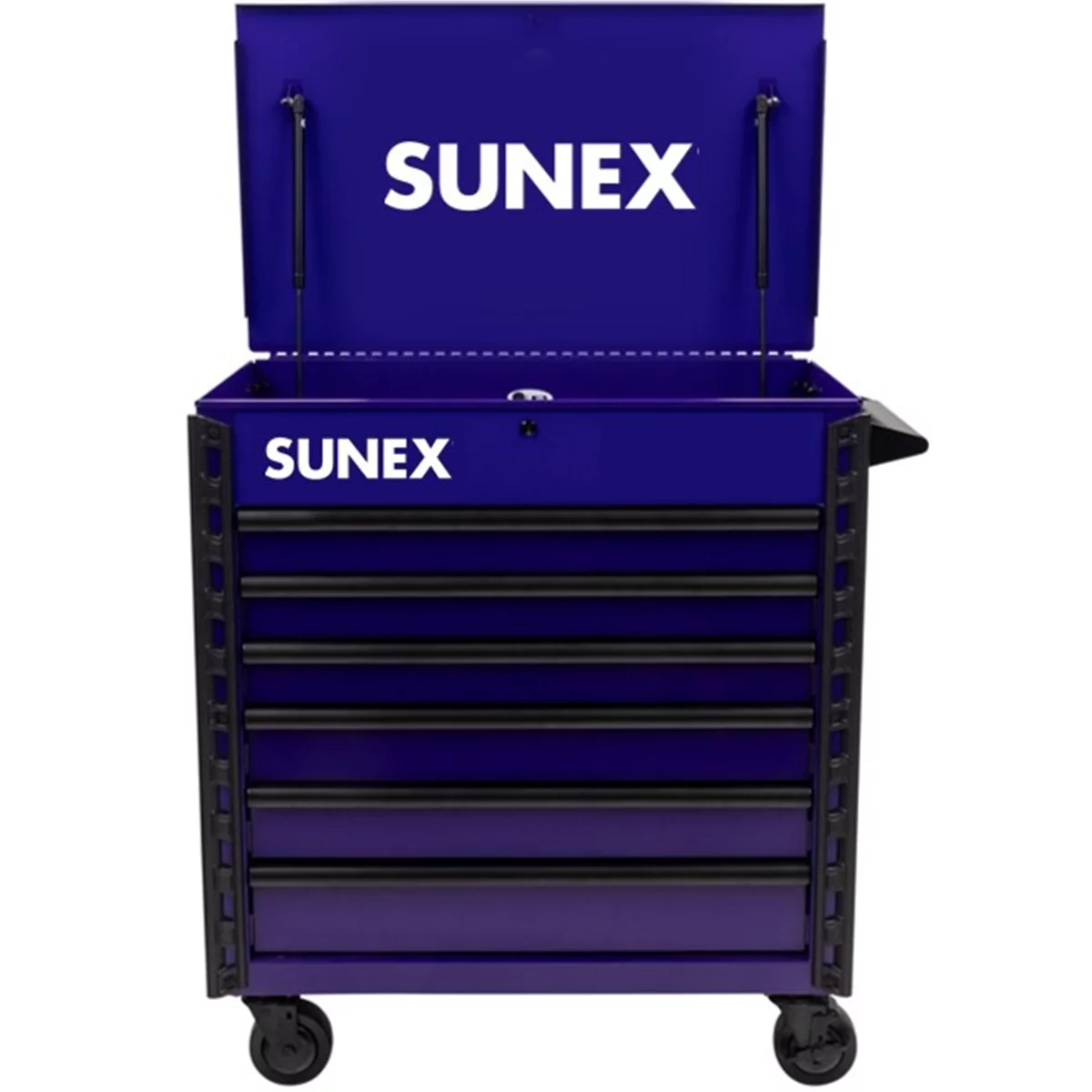
This is where tooling and shop workflow matter more than most pay arguments acknowledge. A tech losing 10–15 minutes per job hunting for a socket, waiting on a scan tool, or walking to a shared lift controller is losing flagged hours every single day. Faster diagnostics, a properly organized cart, and eliminating shared-tool bottlenecks are some of the most direct ways to increase take-home pay under any flat-rate structure — independent of what percentage you negotiate.
How to Prepare Before You Ask for a Raise
Pay conversations go better with data than with grievance. Before you sit down with a shop owner or service manager:
- Pull your flagged-hours report for the last 3–6 months and calculate your average weekly effective pay.
- Research your local market rate for your certification level (ASE Master, dealer-specific, diagnostic specialist) using job postings and trade groups, not anecdotes from a forum.
- Identify specific value you bring beyond flag hours — diagnostic work other techs can’t do, training/certifications, mentoring, low comeback rate.
- Bring a specific ask: a target percentage or hourly rate, not just “I want more.”
- Time the conversation for a slow moment for the shop, not mid-rush, and expect a counter or a phased increase rather than an instant yes.
Green Flags and Red Flags in Shop Compensation
Not every low percentage is a bad deal, and not every high percentage is a good one — context matters. A shop paying a lower percentage but guaranteeing 40 hours weekly, covering specialty tools, and offering retirement matching may net out better than a shop offering a higher percentage with no guarantee and constant slow weeks. Watch for these patterns:
Green flags: hourly guarantee or minimum during slow periods, shop-provided major equipment (lifts, welders, diagnostic subscriptions), transparent labor-rate increases shared with techs, consistent flagged-hour opportunity, and an owner who discusses numbers openly.
Red flags: techs responsible for their own major diagnostic equipment on top of hand tools, labor rate increases that are never communicated to the pay structure, no path to a rate review after tenure or certification, and a pattern of techs leaving shortly after asking for raises.
Quick Checklist: Evaluating a Pay Offer or Preparing to Negotiate
- Confirm the pay model: flat rate, hourly, or hybrid, and how it’s calculated in slow weeks
- Get the percentage or dollar rate in writing, tied to the current posted labor rate
- Calculate your own flagged-hours average from the last 90 days
- Compare against 25–40% of local door rate as a sanity check
- List tools/equipment the shop provides vs. what you’re expected to supply
- Check for a guaranteed minimum during slow periods
- Bring market comps and a specific number, not a vague request
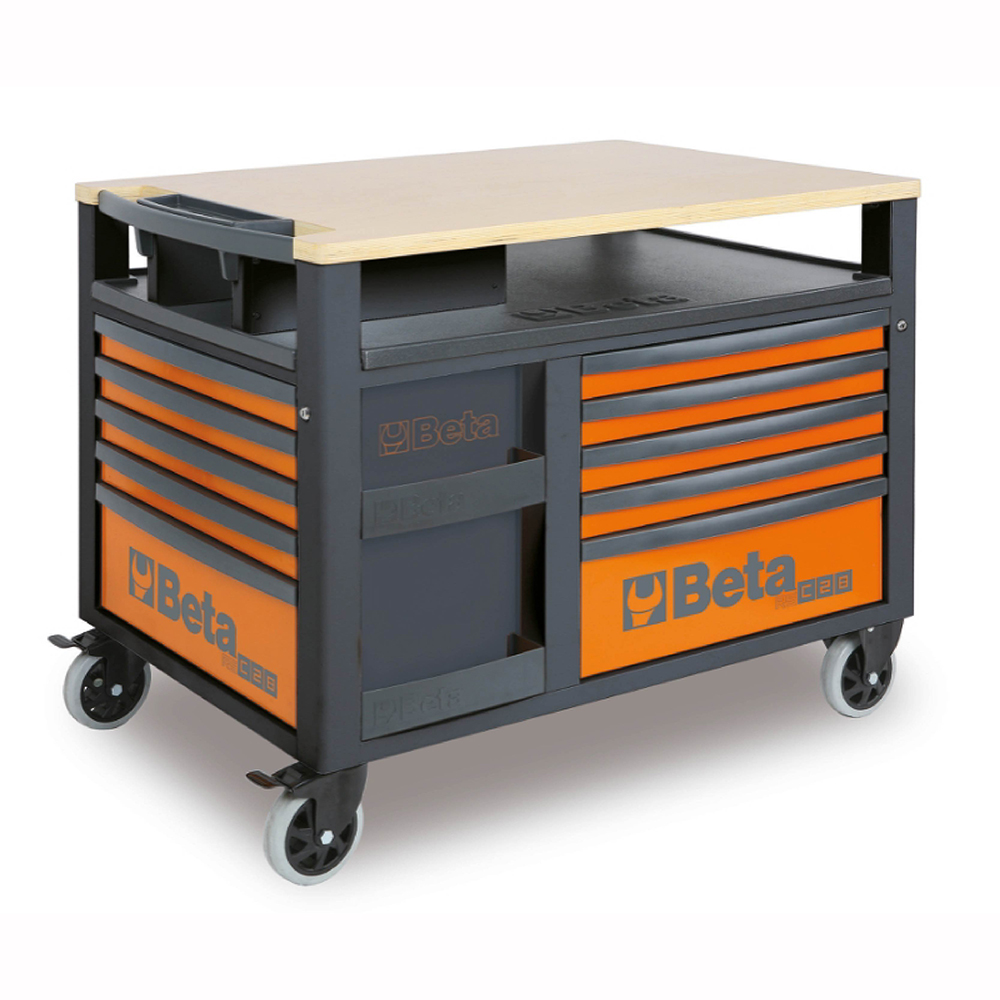
Beta RSC28 SuperTank Rolling Tool Cabinet, 10 Drawers, Wood Work
Mfg: Beta Tools
Part #: RSC28-O
FAQs
What percentage of the labor rate should a technician be paid?
Most well-run independent shops pay flat-rate techs between 25% and 40% of the posted door rate, with 28–33% being the most commonly reported range. Diagnostic specialists and shop foremen can negotiate toward the higher end.
Is 60% of the labor rate realistic for a shop to pay?
Generally no. After overhead, insurance, equipment, and front-office costs, a 60% flat-rate payout typically leaves little to no margin for the shop and is not sustainable outside of unusual circumstances like an extremely high labor rate paired with very low overhead.
What’s the difference between gross profit and net profit at a shop?
Gross profit is revenue minus direct job costs (parts and labor). Net profit is what remains after all overhead — rent, insurance, payroll taxes, software, equipment — is paid. A shop’s gross sales figure says nothing about what’s actually available for raises.
How does efficiency affect my pay under flat rate?
Under flat rate, you’re paid per billed hour, not clock hour. A tech working at 150% efficiency effectively earns 50% more per hour worked than one at 100% efficiency, even at the same pay percentage — making workflow and tooling speed a direct pay factor.
Should I ask for hourly pay or flat rate?
Hourly pay offers stability, especially during slow seasons or heavy diagnostic/maintenance weeks. Flat rate rewards speed and rewards experienced techs who can consistently beat book time. Many techs prefer a hybrid: hourly base plus a flagged-hour bonus.
How do I bring up a raise without sounding confrontational?
Lead with your own flagged-hours data and market comps rather than comparisons to what the owner “might” be making. A specific, documented ask is easier for an owner to evaluate and approve than a general complaint about fairness.
Optimize Your Workspace: Tool Storage Solutions
The pay guide emphasizes that every minute hunting for a tool is a minute not flagged to a job. A well-organized setup with proper tool storage solutions helps you work faster and maximize your effective hourly rate.
- Toolboxes, chests, and mobile carts for quick access and portability
- Wall-mounted and modular systems to eliminate search time between jobs
- Organization accessories that streamline your bay setup

The Toolsource Technical Team blends decades of real-world automotive service experience with up-to-date technical research. Our writers collaborate with professional mechanics, shop owners, and diagnostic specialists to deliver practical, workshop-ready guidance you can trust.


Follow us on social media