Almost every shop tries manual follow-up texts at some point, and almost every shop stops doing them within a few weeks. The pattern is consistent: someone commits to texting every customer after pickup, it works great for a stretch, then a busy week hits with eight cars open at once and the habit quietly dies. The shops that stick with follow-up long-term aren’t more disciplined — they’ve taken the sending out of anyone’s hands and tied it to something that already happens on every job: the service history entry.
Why Manual Follow-Up Dies by Week Three
The failure mode is almost always the same. A tech or advisor decides to text every customer after a visit — what was done, when to come back. For the first week or two it’s easy because it’s novel and there’s time to think about it. Then a Friday comes with a packed bay, invoices stacking up, and the texts are the first thing to get skipped “just this once.” Once skipped, there’s no system flagging who got missed, so it never restarts. This isn’t a willpower problem, it’s a workflow problem: anything that depends on a person remembering to do an extra step during the busiest part of the day will eventually get dropped during the busiest part of the day.
The fix that actually holds up is removing the human trigger entirely. If the message goes out automatically off the service record the moment a car is marked picked up, it doesn’t matter how many cars are open or who’s slammed that day. The system doesn’t get tired.
What to Automate First: The Post-Visit Recap
Start with the simplest, highest-value message: a short recap sent the night of pickup. It should answer two questions and nothing else — what did we do, and when should the customer come back. This is different from an invoice (which reads like a bill) and different from a marketing text (which reads like a pitch). It’s closer to a service note that happens to arrive by text or email.
If your shop management platform already supports this — some setups like AutoLeap can trigger a recap automatically from the closed service history — turn it on and spend your effort on wording, not plumbing. If your platform doesn’t support it natively, this is a small, well-defined integration job: pull the closed repair order data, template two lines, and fire it on a status-change trigger. That’s a reasonable scope for an in-house dev or a contractor familiar with your shop software’s API, rather than a reason to keep doing it by hand.
Product search: shop management software integration diagnostic scan tool

Nemisys USA 2007 Domestic Scan Tool Update Kit
Mfg: OTC Tools and Equipment
Part #: 3774-14
Writing Recaps That Don’t Sound Like a Sales Pitch
The wording matters more than the automation. Several shops that got this right landed on the same principle: keep it boring on purpose. Two lines — what was done, and the date the next service is due. No specials, no “while you’re thinking about it” upsell language, no exclamation points. The moment a recap starts to read like a warm-up for the next invoice, customers stop opening it, and the ones who do open it start reading every future text with suspicion.
A workable template looks like this:
“[Shop name]: We completed [service] on your [vehicle] on [date]. Next recommended service: [item] around [date/mileage]. Questions? Reply here.”
That’s it. No design elements, no logo-heavy formatting if you’re using plain SMS, no persuasive copy. The flat, factual tone is what makes it read as a service note instead of marketing — and that distinction is what gets it read and replied to instead of ignored like a typical invoice email.
Triggering Recaps Automatically From Service History
However you implement it, the trigger should be a status change you already record — the repair order moving to “closed” or “picked up” — not a separate task someone has to remember to log. Three things to confirm before you turn this on shop-wide:
- The trigger fires off existing data (closed RO, service lines, due-date fields) rather than a manual checkbox an advisor has to tick.
- The message pulls real values — actual service performed and actual due date/mileage — not a generic template that could apply to any visit.
- There’s a way to suppress or edit the send for edge cases (warranty redo, comeback, fleet account) so the recap doesn’t go out somewhere it doesn’t belong.
Expect the wording to take a couple of passes before it sounds like your shop rather than a generic vendor template. That’s normal — the automation piece should only need to be built once, but the copy is worth revisiting after the first few weeks of replies.
Review Requests vs. Recap Messages — Keep Them Separate
It’s tempting to combine the recap and the review ask into one message, but shops that run both report better results keeping them apart. The recap is a service record; the review request is a separate ask with a separate purpose, and conflating them makes the recap feel like it has an agenda. Some shops send the review link manually after certain visits — detailing, one-off cosmetic work — specifically because those feel earned in a way that warrants a personal touch, while the routine maintenance recap stays fully automated. There’s no rule that both messages need the same delivery method. Automate the recap because it has to go out on every single closed RO without fail; handle review requests with more judgment about timing and which customers to ask.
Measuring What’s Working
Once a recap system is running, two numbers tell you whether it’s doing its job: reply rate and rebooking rate on the customers who received it versus those who didn’t (or didn’t before you started). A notable pattern reported by shops running this is that customers who reply to the recap — asking a follow-up question about their vehicle — are disproportionately the ones who come back for the next recommended service. The text isn’t just a reminder; it’s reopening a channel that an invoice email never does. If replies are near zero after a month, the wording is probably too generic or too promotional, not the automation itself.
Product search: auto repair shop diagnostic and service tools
Quick Checklist Before You Flip the Switch
- Recap is triggered by a status change in existing service history, not a manual step
- Message includes real service performed and a real next-due date, not boilerplate
- Copy is two lines: what we did, when to come back — no promotional language
- Review requests are a separate message/process from the recap
- There’s a suppression path for warranty, comeback, and fleet jobs
- You’re tracking reply rate and rebooking rate monthly, not just sends
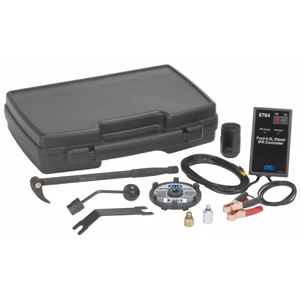
Ford 6.0L Diesel Service Tool Kit - OTC 6770
Mfg: OTC Tools and Equipment
Part #: 6770
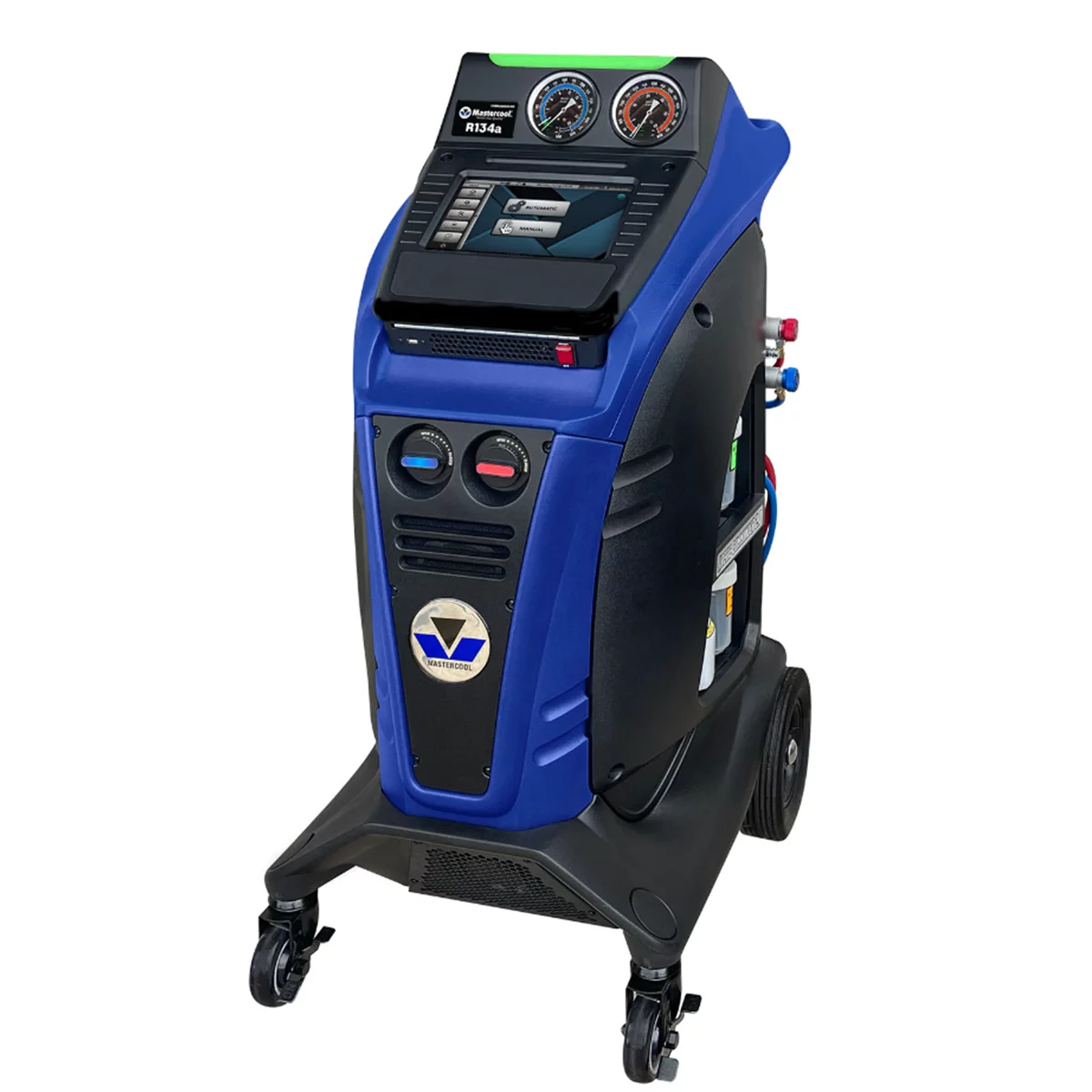
COMMANDER2100 FULLY AUTOMATIC R134a R/R/R MACHINE
Mfg: Mastercool
Part #: COMMANDER2100

FAQs
Do I need new software to automate recap texts?
Not necessarily. Check whether your current shop management platform already supports triggered messaging off closed repair orders — several mainstream platforms do. If it doesn’t, it’s typically a scoped integration against your platform’s API rather than a full system replacement.
What should the first automated message actually say?
Keep it to two facts: what service was performed and when the next one is due. Avoid specials, discounts, or calls to action beyond “reply with questions.” Promotional tone reduces both open and reply rates.
Should review requests be automated the same way?
Not automatically by default. Several shops get better results sending review links selectively and manually, reserving full automation for the factual service recap. Test both and watch reply/response rates before automating review asks broadly.
How do I know if customers are actually reading these?
Track direct replies, not just delivery. Shops running this consistently report that customers reply with real questions about their vehicle — that reply behavior is a stronger signal than open rates and correlates with rebooking.
What if a tech forgets to close out the RO properly?
Since the trigger depends on accurate service history, a mis-logged or late-closed RO will delay or skip the recap. Build the trigger off whatever status field is already required to close a job, so there’s no extra data entry step to forget.
Is this worth building if we’re a one- or two-bay shop?
Yes — smaller shops are often the ones most likely to let manual follow-up slip during busy stretches, since there’s no dedicated front-desk person to own it. A simple automated trigger removes the dependency on any one person’s schedule.
Accurate Service Records for Automated Follow-Ups
Automated follow-up texts depend on complete, accurate service records. Automotive Diagnostic Tools help your shop document what was done and when the next service is due — the core data your automation system needs.
- Scanners that capture detailed repair findings
- Equipment that integrates with your shop management platform
- Tools supporting accurate service interval tracking

The Toolsource Technical Team blends decades of real-world automotive service experience with up-to-date technical research. Our writers collaborate with professional mechanics, shop owners, and diagnostic specialists to deliver practical, workshop-ready guidance you can trust.


Follow us on social media