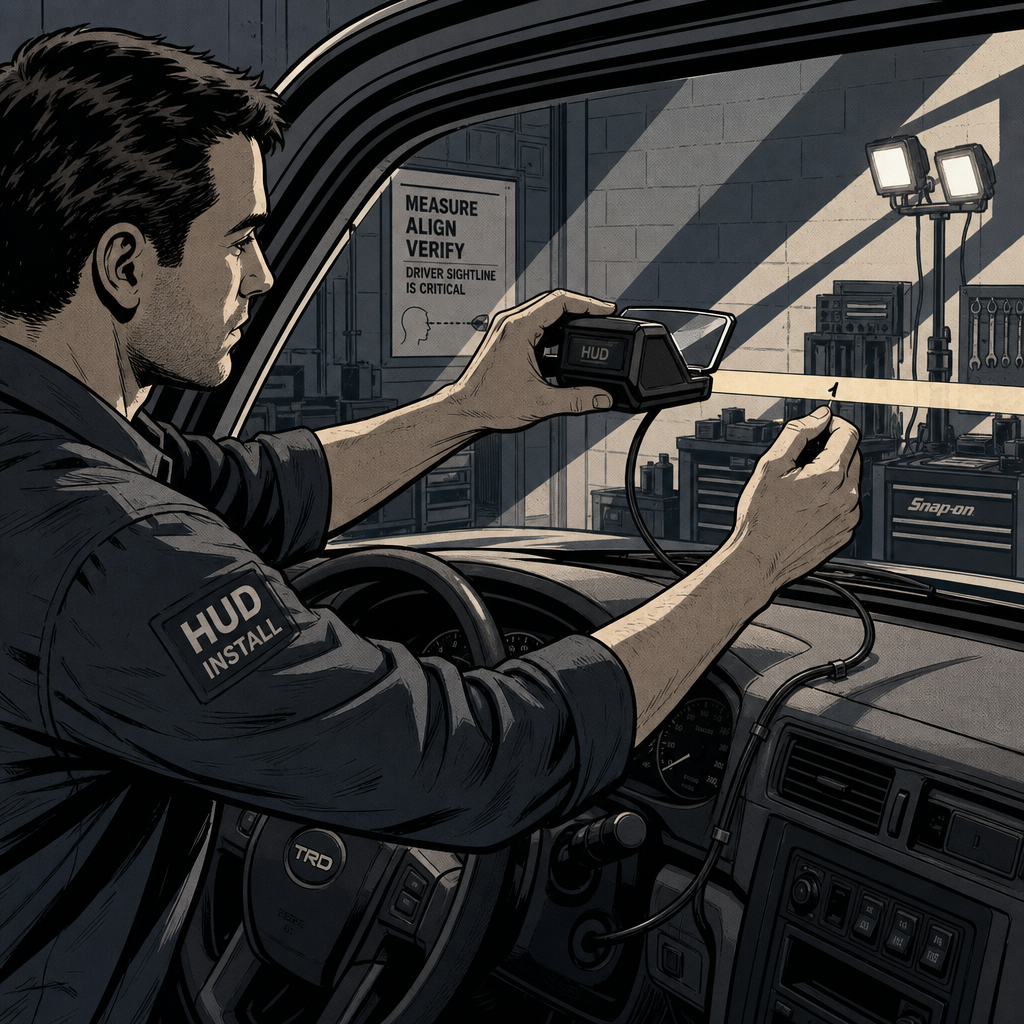
Heads-up display units are one of the most requested aftermarket add-ons in the shop right now, and also one of the most likely to generate a comeback. The complaint is almost always the same: “it doesn’t look like the HUD in my buddy’s new SUV.” Before you chase a wiring gremlin or a mounting issue, understand that most of what customers are reacting to isn’t a defect — it’s a fundamental optical limitation of the product category. Knowing the difference between an install problem and a physics problem will save you diagnostic time and awkward conversations at the counter.
Why Aftermarket HUDs Never Match OEM Optics
An OEM HUD isn’t just bouncing an image off the glass. Factory systems use a folded optical path — the projector sits deep in the dash, the image reflects off multiple mirrors, and the windshield itself is manufactured with a wedge-shaped inner layer that aligns the two reflections (from the inner and outer glass panes) into a single image. The result is a virtual image that appears to float 3-5 meters in front of the vehicle, at roughly the same focal distance as the road ahead. The driver’s eyes don’t have to refocus to read it.
Nearly every aftermarket unit — the small plastic projector-and-combiner boxes that sit on the dash — works on a much shorter optical path. The image forms directly on the windshield glass or on a small reflective film, not several meters ahead. That means the driver’s eyes are refocusing between the road and a point roughly at arm’s length, every single glance. It’s functional, but it is not the same experience, and no amount of adjustment or bracket tweaking will change that. Set this expectation before the sale, not after.
The second unavoidable issue is ghosting. Standard laminated windshields have two reflective surfaces (the outer glass, the inner glass, with a plastic interlayer between them). A generic aftermarket unit reflecting off both surfaces will often produce a faint duplicate image, offset slightly from the primary one. Reflective film reduces this but does not eliminate it — only a true wedge-laminated windshield or a dedicated combiner lens gets rid of it, and cheap dash-mounted kits don’t include either.
Windshield Compatibility: What to Check Before Installation
If a customer’s vehicle came from the factory with an OEM HUD, do not assume the aftermarket unit is being added to a “normal” windshield. Many HUD-equipped vehicles ship with a windshield part number specific to that trim, incorporating the wedge interlayer mentioned above and sometimes a coating in the projection zone. Pull the glass part number and cross-reference it before quoting a job — if the customer has had the windshield replaced with a standard (non-HUD) unit, that alone can explain double imaging even with a factory system, and it will make an aftermarket combiner-style unit perform worse, not better.
For vehicles without any factory HUD, the windshield’s rake angle and curvature at the mounting location still matter. Steeply raked or heavily curved sections will distort the reflected image and can shift the apparent height of the display outside the driver’s natural sightline. Before mounting, have the customer sit in a normal driving position and mark the sightline on the glass with removable tape — this determines the placement zone, not just “wherever looks good on the dash.”
===FYP-PRODUCT-SEARCH-1===
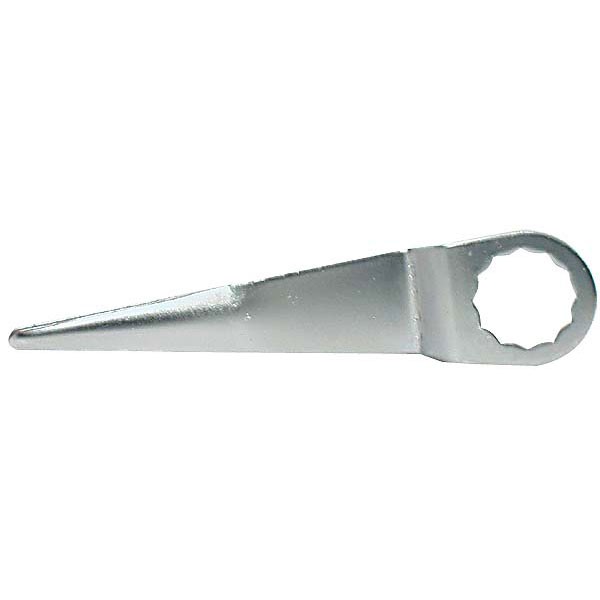
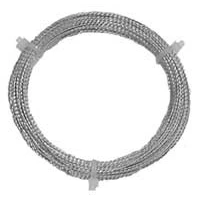
Braided, Golden Stainless Steel Windshield Cut-Out Wire
Mfg: S & G Tool Aid
Part #: 87425
Installation: OBD-II vs. GPS-Based Units
Aftermarket HUDs generally pull data one of two ways, and the install procedure differs:
OBD-II units plug into the diagnostic port and read live data from the vehicle’s CAN bus — speed, RPM, coolant temp, and sometimes fault codes. These are more accurate because they use the vehicle’s actual sensor data, but protocol support varies by make, model, and year. Confirm the unit’s supported PID list against the customer’s vehicle before installation, and always test with the engine running through a full RPM range, not just at idle, since some units lag or drop connection under load.
GPS-based units calculate speed from satellite positioning instead of the vehicle’s speed sensor. They need zero wiring beyond power, which makes them faster to install and vehicle-agnostic, but they are only as accurate as GPS signal quality — expect drift in tunnels, parking structures, and dense urban canyons. They’re a reasonable choice for a customer who just wants a general reference, but don’t sell them as a speedometer replacement.
Regardless of type, route power from a switched (ignition-on) source, not a constant 12V feed, unless the unit has its own low-power standby mode — otherwise you’ll get comebacks for a dead accessory battery. Keep cabling away from the airbag deployment path across the dash, and use adhesive-backed cable clips rather than tape, which degrades in cabin heat.
Troubleshooting Common Complaints
Most post-install tickets fall into a few categories:
- “Image is blurry or doubled” — check for a non-HUD-compatible windshield (see above), confirm the combiner film or lens is clean and properly seated, and verify the unit isn’t mounted crooked, which exaggerates the double-reflection effect.
- “Can’t see it with sunglasses on” — polarized lenses filter out much of the reflected light aftermarket HUDs rely on, since the image is essentially a polarized reflection off the glass or film. This isn’t fixable by the installer; it’s inherent to the technology. Tell the customer up front, especially if they wear polarized lenses daily.
- “Speed reading doesn’t match the dash” — for OBD units, this is almost always a wheel/tire size change that’s thrown off the stock speed sensor calibration, which the HUD is faithfully reproducing. A dedicated speed-corrector module wired between the transmission speed sensor and its factory connector can recalibrate the signal; this is a separate part from the HUD itself. For GPS units, compare against a phone GPS app in the same conditions to isolate whether it’s a satellite-lock issue or a real discrepancy.
- “Display disappears in bright sunlight” — normal for reflective-film units; brightness is inherently limited by the small light source. Check whether the unit has an auto-dimming photocell that’s stuck at a low setting, and clean the combiner surface, which loses reflectivity quickly with dust and fingerprints.
Setting Realistic Customer Expectations
The single biggest driver of comebacks on this product category isn’t a bad install — it’s a customer who was sold “a HUD” without understanding it’s a different technology than what they experienced in a new car with factory HUD. Walk through three points before the sale: the image will sit on the glass, not float ahead of the car; polarized sunglasses will significantly dim or hide it; and accuracy depends on which data source (OBD vs. GPS) the unit uses. A five-minute conversation at the counter prevents a return two weeks later.
===FYP-PRODUCT-SEARCH-2===
Quick Pre-Install Checklist
- Confirm OBD-II protocol/PID support for the specific year/make/model, or confirm GPS-only operation is acceptable to the customer
- Check for factory HUD-compatible windshield part number if replacing glass
- Mark driver sightline before choosing mount position
- Wire to switched power, not constant 12V, unless unit has standby mode
- Route cabling clear of airbag deployment zones
- Test through full RPM/speed range, not just idle
- Disclose polarized-sunglasses limitation and non-floating image before sale
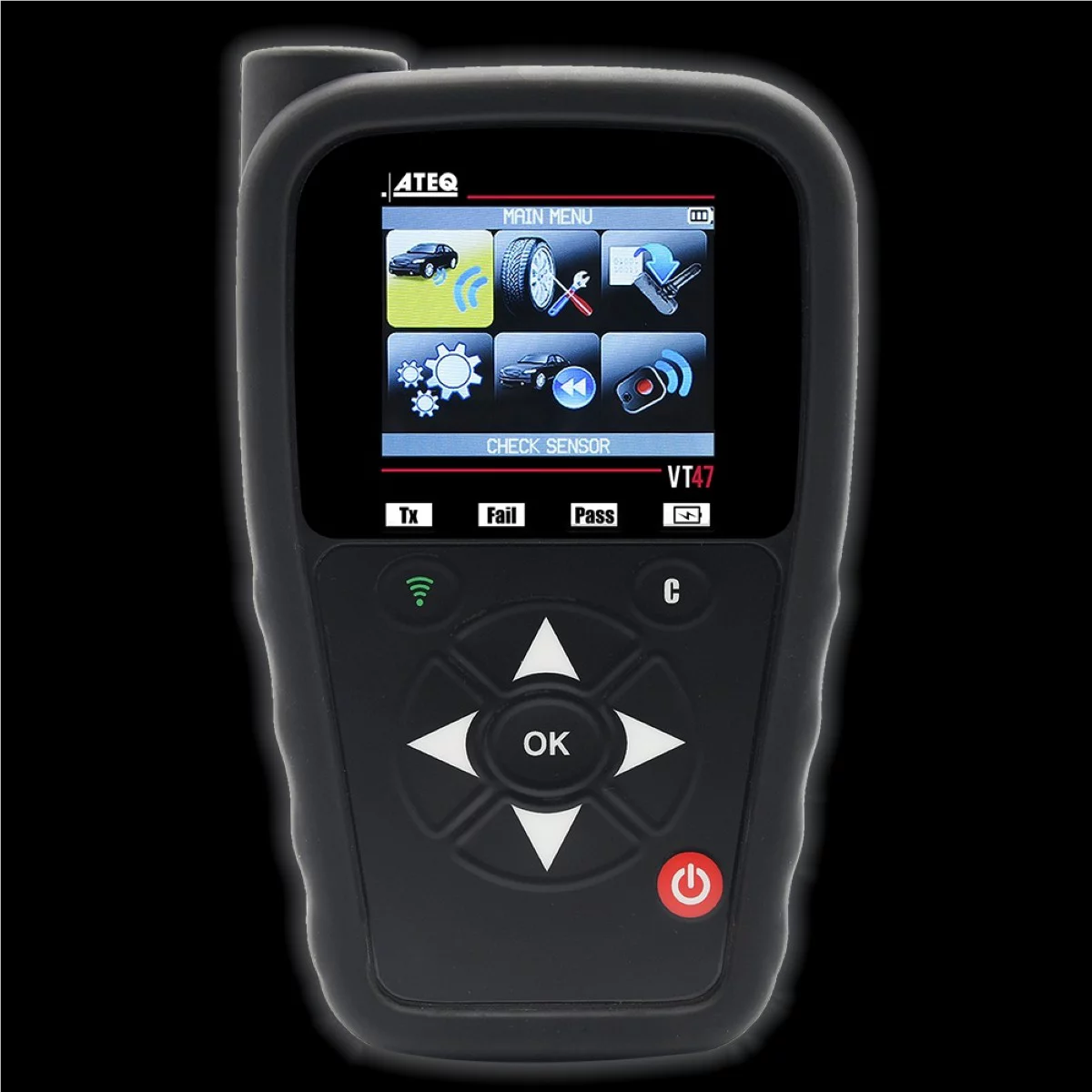
Wi-Fi Enabled OBD-II TPMS Reset and Programming Tool
Mfg: ATEQ TPMS
Part #: VT47-0000
FAQs
Can an aftermarket HUD ever match OEM performance?
Not with a standard dash-mounted projector-and-film kit. Units that add a genuine folded optical path and dedicated curved combiner glass (a small, now-discontinued category of premium units) got closer, but even those required a proper combiner, not just a film sheet, to reduce ghosting meaningfully.
Do I need a special windshield for an aftermarket HUD to work well?
It’s not strictly required for basic function, but a HUD-compatible (wedge-laminated) windshield significantly reduces double-image ghosting versus a standard windshield.
Why does the display disappear when the customer puts on sunglasses?
Most aftermarket HUD light is polarized by the reflection off the glass or film. Polarized lenses are designed to block exactly that kind of light, so the display dims or vanishes. This is inherent to the technology, not a defect.
The HUD speed reading doesn’t match the speedometer — is the unit defective?
Usually not. OBD-based units mirror the vehicle’s own speed sensor, so a wheel/tire size change that’s thrown off the factory speedometer will show up identically on the HUD. A speed-corrector module addresses this at the sensor level.
Should I recommend GPS or OBD-II units to customers?
OBD-II for accuracy and access to additional data (RPM, temp, fault codes) on supported vehicles. GPS for simpler installs, universal compatibility, or vehicles with unsupported OBD protocols — with the caveat that GPS accuracy drops in tunnels, parking structures, and dense urban areas.
How do I reduce ghosting on a non-HUD windshield?
A quality reflective film combiner reduces it but won’t eliminate it. Proper mounting angle and a clean, correctly positioned combiner surface make a noticeable difference even without a wedge-laminated windshield.
Recommended Tools
Proper HUD installation requires precision work and the right diagnostic approach. Browse our Automotive Specialty Tools selection for OBD-II readers, mounting aids, and installation accessories.
- OBD-II and CAN-bus diagnostic readers to verify protocol support before installation
- Precision mounting and alignment tools for proper sightline positioning
- Cable management accessories to protect wiring and maintain airbag-deployment clearance

The Toolsource Technical Team blends decades of real-world automotive service experience with up-to-date technical research. Our writers collaborate with professional mechanics, shop owners, and diagnostic specialists to deliver practical, workshop-ready guidance you can trust.


Follow us on social media