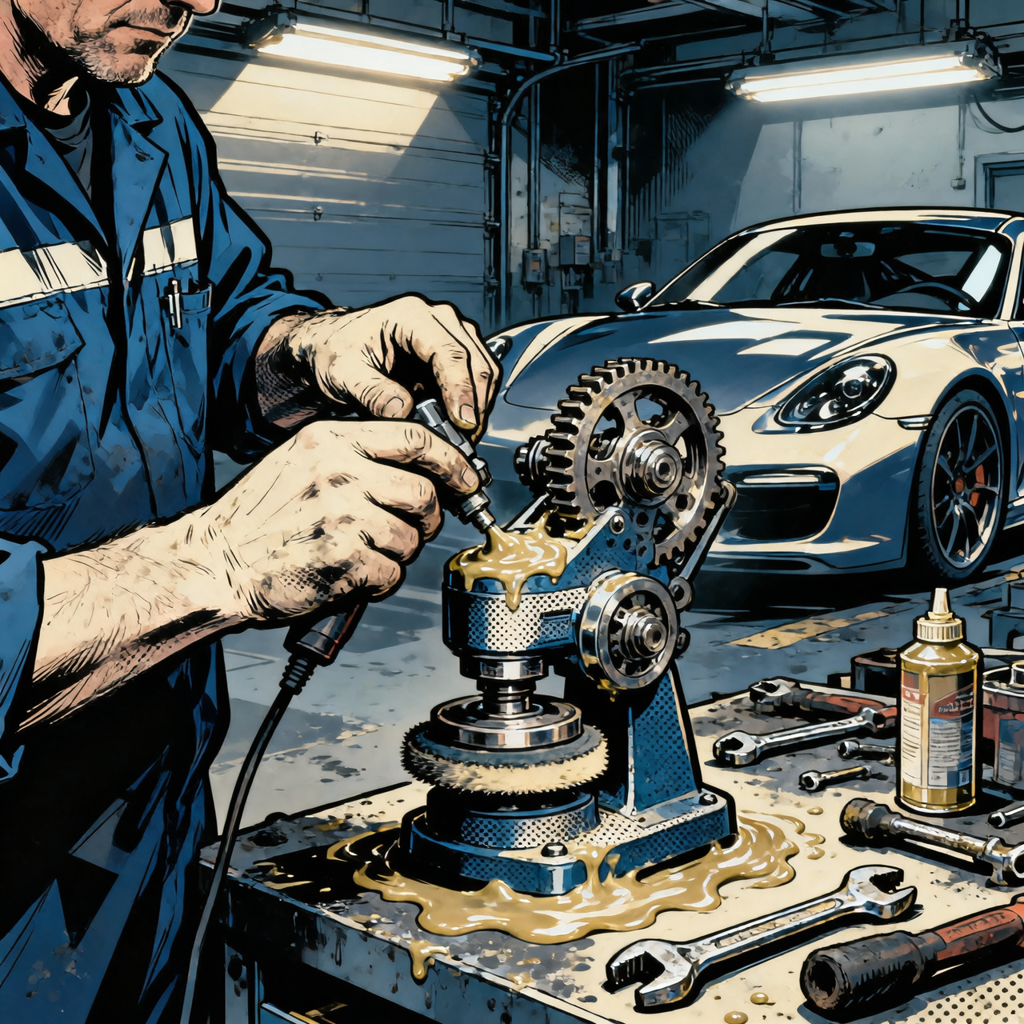
Online advice about changing grease in brand‑new dual‑action polishers is all over the map. Some users report less vibration after a re‑grease; others end up with overheating, odd noises, or a denied warranty claim. This guide takes a technician’s approach: decide whether re‑greasing is warranted, choose the right lubricant, perform the service correctly, and troubleshoot noise or vibration without creating new problems.
When re‑greasing makes sense (and when it doesn’t)
Before opening a new tool, determine whether there’s a real lubrication problem or a different root cause. In many cases, factory lubrication is adequate for the duty cycle of hobbyist and light professional use. Re‑greasing can help under specific conditions; otherwise, you may be better off exchanging the tool.
- Strong case for re‑greasing:
- Tool is out of the return window and presents clear symptoms of dry or contaminated gear lube: gear howl under load, visible dried/crumbled grease, water ingress, or service interval reached (e.g., heavy use over 150–300 hours).
- Known service bulletin or manufacturer guidance specifying a grease update or inspection.
- Previous service required cleaning the gearhead; grease was removed and must be replaced.
- Consider exchange instead of service on a new tool:
- Abnormal grinding, clacking, or bearing squeal out of the box.
- Shipping damage, off‑center backing plate mount, or visibly bent spindle.
- Excessive heat within a few minutes of no‑load operation.
- Not a lubrication issue (don’t open yet):
- Free‑spin chatter that disappears under pad load (often normal in orbital tools).
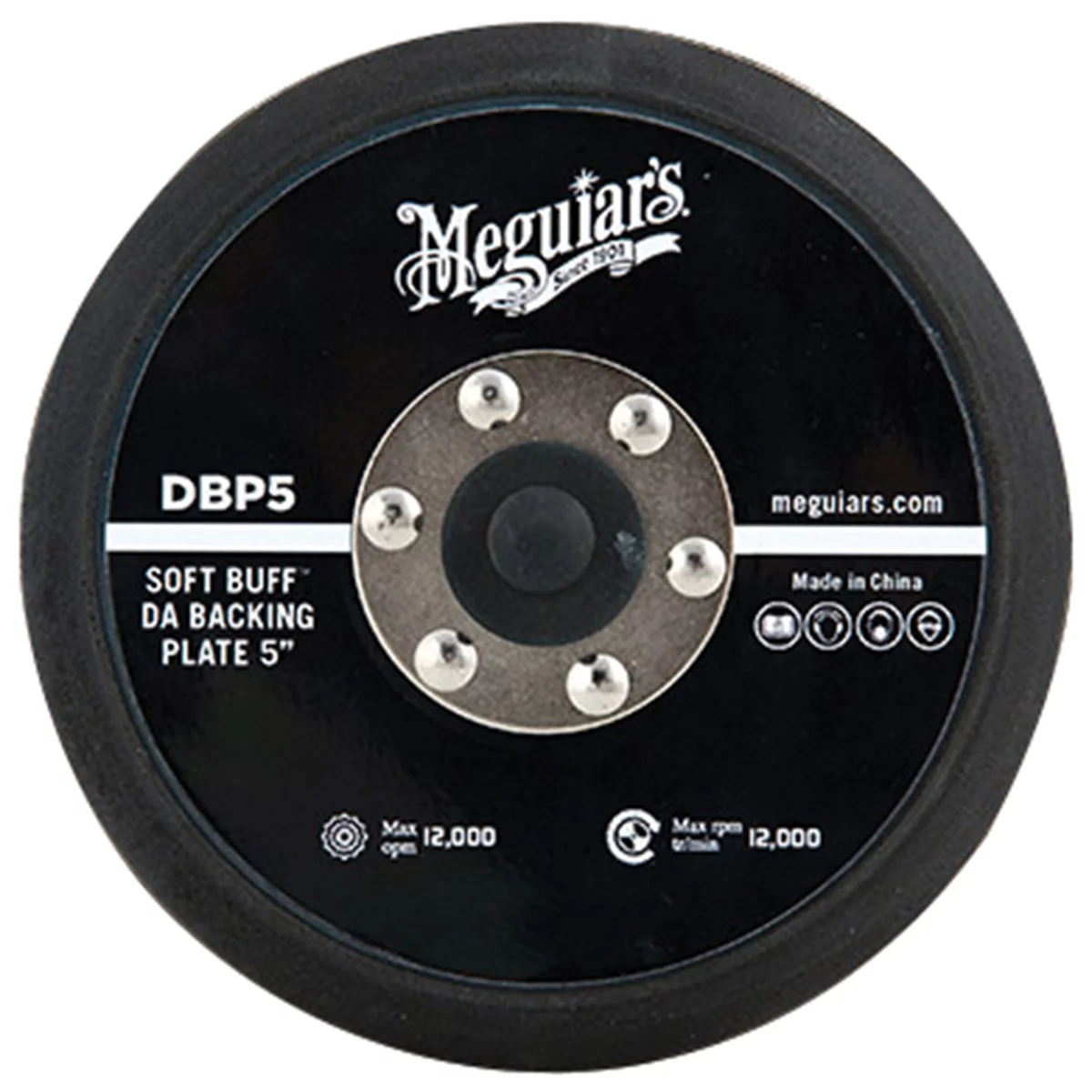
- Vibration due to unbalanced pad/backing plate or off‑center accessory.
- Brush noise during initial seating that improves after a short run‑in at low speed.
Bottom line: If the tool is brand new and behaves abnormally, use the return or exchange policy first. Open it only if you accept the risk of service‑related issues and you have a clear lubrication‑related symptom.
Selecting the correct grease for polishers: grades, chemistry, and fill
No products found for "synthetic gear grease NLGI"
Most dual‑action polishers use high‑speed spur or bevel gearing with modest torque but significant RPM. These gearboxes typically require semi‑fluid grease that flows enough to re‑wet the mesh without churning.
- NLGI grade guidance:
- Commonly specified: NLGI 00 or NLGI 0 semi‑fluid gear grease. Some compact heads may use NLGI 000.
- Avoid: NLGI 2 chassis or wheel bearing grease in the gear cavity. It is too stiff at typical gearhead temperatures, flings off, or churns and overheats.
- Base oil and thickener compatibility:
- Stay with the same thickener when possible (e.g., lithium or lithium complex). If you cannot confirm the factory thickener, completely clean out the old grease before switching chemistries.
- Polyurea greases are not universally compatible; fully purge if changing to or from polyurea.
- EP (extreme pressure) additives are helpful for gear protection but ensure the product is non‑corrosive to yellow metals if the tool contains brass/bronze components.
- Viscosity and temperature:
- Choose a semi‑fluid gear grease with base oil viscosity in the ISO 150–460 range appropriate for the expected temperatures. Most DA polishers operate well with ISO 220–320 base oils in 00/0 grades.
- Filling amount:
- Target 30–50% of the gear cavity volume for conventional greases. More is not better; over‑packing increases heat and aeration.
- For very thin 00/000 greases: coat the gear teeth thoroughly, then create a shallow pool or smear that allows splash and re‑wetting without fully submerging the gears.
Using a tacky NLGI 2 chassis grease in a polisher is a common cause of noise, drag, and premature failure. Match the tool’s needs: high RPM, modest load, and small cavities favor semi‑fluid products that resist channeling.
Pre‑disassembly checks that solve most “grease” complaints
Many “bad grease” symptoms are actually accessory balance, assembly, or simple setup issues. Run these checks before opening a gearhead:
- Pad and backing plate balance:
- Ensure the backing plate seats flush and is correctly centered on the spindle. Verify the retaining fastener is torqued to spec.
- Swap to a known‑true backing plate and pad. Many complaints disappear with a quality, balanced pad.
- Attachment concentricity:
- Spin the tool at low speed without a pad, observing runout at the backing plate face. Excessive wobble indicates spindle/bearing issues, not grease.
- Run under light load:
- Some orbitals chatter at free spin. Place a foam pad on a soft surface and run at low‑to‑medium speed with light pressure. If noise smooths out, it’s likely normal behavior.
- Brush inspection and seating (corded and some brushed cordless designs):
- Check that carbon brushes move freely and make full contact with the commutator. New brushes can sound scratchy for the first few minutes.
- Fastener verification:
- Check motor housing, gearhead cover, and handle screws. Loose hardware causes rattles that mimic gear lash. Use a torque screwdriver; do not over‑tighten into aluminum.
- Power and speed control:
- For cordless, test with a known‑good, fully charged battery. For corded, verify line voltage and check for speed controller hunting at low RPMs.
- Temperature baseline:
- Run 2–3 minutes at low speed with a pad, then check gearhead temperature with an IR thermometer. Warm is normal; rapid heating suggests drag (over‑tight bearings, over‑packed grease) or electrical load.
If the tool passes the above but still howls or grinds under load, you may have a legitimate lubrication or gear mesh concern.
Correct re‑greasing procedure for a DA polisher gearhead

Only proceed if you’re prepared to document disassembly and keep track of shims and orientation. Have the right grease on hand before opening.
Tools and materials:
- Semi‑fluid gear grease (NLGI 00 or 0) compatible with the existing grease, or commit to a full clean and purge.
- Torque screwdriver or small torque wrench with appropriate bits.
- Plastic scraper, lint‑free wipes, and a mild, plastic‑safe solvent.
- Pick set and small brush for cleaning old grease.
- Medium‑strength threadlocker (if specified by manufacturer).
- Marker or scribe to index housing halves.
- Digital caliper or feeler gauges to note shim thicknesses (if present).
Procedure:
- De‑energize and prep:
- Remove battery or unplug. Remove pad and backing plate. Clean exterior to prevent debris entry.
- Index and document:
- Scribe alignment marks across gearhead halves. Photograph each stage, focusing on shims, washers, and spacer orientation.
- Open the gearhead:
- Loosen cover screws in a cross pattern. Keep screws organized by location and length.
- Assess grease and components:
- Note grease consistency and color. Look for metal flake, water intrusion, or hard lumps. Inspect gear teeth and bearings for pitting or discoloration.
- Clean correctly:
- If you’re changing grease chemistry, remove all old grease. Use plastic tools to avoid scratching. Wipe and lightly solvent‑clean; don’t flood electronics.
- Apply new grease and set fill:
- Coat gear teeth and the mesh area. For 00/0 grease, aim for a light bedding on teeth and up to 30–50% cavity fill. Do not pack solid. Leave room for expansion.
- Verify gear lash and shim placement:
- Ensure shims and thrust washers return exactly as found. Incorrect shim stack changes backlash and can produce whine or binding.
- Reassemble and torque:
- Reinstall the cover, starting screws by hand and tightening in a cross pattern. Use the manufacturer’s torque spec. If unavailable, a conservative approach for small M4 screws in aluminum is light torque with a torque screwdriver; do not exceed typical small fastener ranges. Apply threadlocker only if originally present or specified.
- Initial run‑in:
- Run at the lowest speed for 30–60 seconds without a pad. Listen for binding. Then install pad and run under light load for 2 minutes. Recheck temperature.
- Adjust only if needed:
- If gear howl persists, add a small amount of grease to the mesh area—not a full repack. If temperature spikes or RPM sags, you likely over‑filled.
Note: Overfilling is the most common error. Semi‑fluid grease will redistribute as the tool runs; start lean and verify.
Diagnosing noise and vibration after service
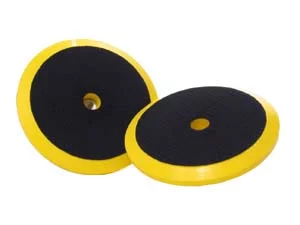
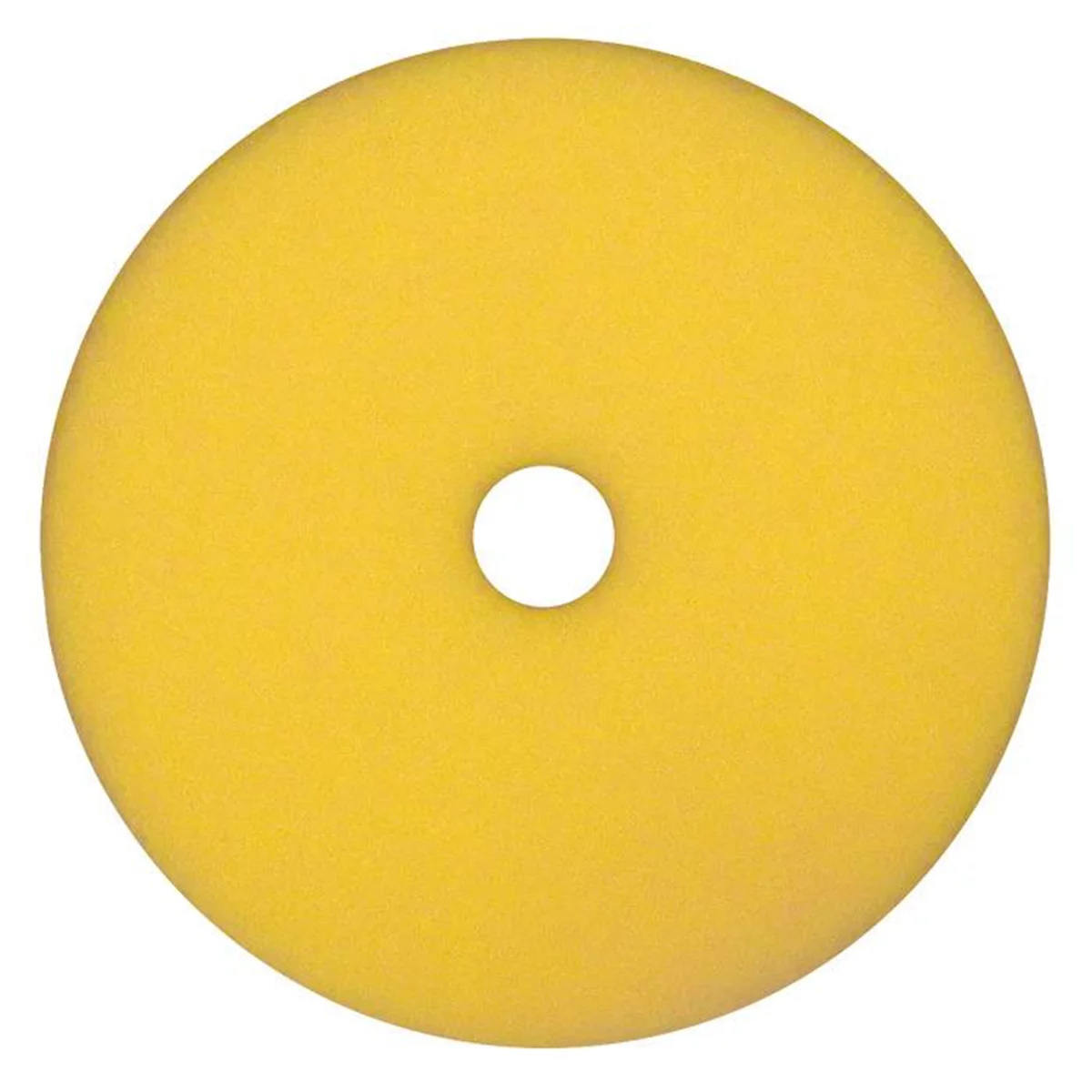
If the tool sounds worse post‑service, isolate the cause before swapping more grease.
- Noise only at free spin, smooth under load:
- Often normal for orbitals. Confirm with a light pad load test.
- High‑pitched gear whine across speeds:
- Insufficient lubrication at the mesh or altered gear lash (missing/incorrect shim). Verify shim orientation; add a modest amount of semi‑fluid grease to the mesh.
- Growl or rumble that increases with speed:
- Damaged or pre‑loaded bearings, or over‑packed grease causing churning. Inspect bearings and reduce fill.
- Random rattle or clack:
- Loose hardware, off‑center backing plate, or accessory imbalance. Verify fasteners and swap to a balanced pad.
- Rapid heat buildup and reduced RPM:
- Over‑filled cavity or incorrect grease grade (too thick). Remove cover, reduce grease, and switch to 00/0 if you used an NLGI 2 product.
- Sparking and harsh electrical noise (corded or brushed cordless):
- Brushes not seated, worn, or jammed. Inspect brush length, spring action, and commutator condition.
If the tool developed a new noise immediately after reassembly, retrace your steps. Most issues come down to missing a thin shim, flipped thrust washer, or over‑tightening small screws into an aluminum cover that distorts bearing bores.
Warranty, returns, and documentation
Understanding how warranties interact with owner service can save time and money.
- Exchange when you can:
- If a brand‑new tool exhibits abnormal behavior, exchanging it is the lowest‑risk path. Many issues are from shipping or isolated assembly variation.
- Warranty basics:
- In general, consumer warranty law prohibits blanket statements that routine maintenance or aftermarket parts automatically void coverage. However, damage caused by incorrect service or incompatible products isn’t covered. If a failure can be traced to improper lubrication or assembly, claims can be denied.
- Good documentation helps:
- Photograph disassembly, note shim stacks, and record grease type and amount. If a later issue arises, clear documentation shows you serviced responsibly.
- Know when to stop:
- If you find metal contamination, chipped teeth, or obvious bearing damage on a new unit, reassemble and pursue warranty rather than continue a DIY rebuild.
Quick checklist: Before you open a new polisher
- Verify backing plate concentricity and pad balance with a known‑true setup.
- Run under light load; don’t judge only by free‑spin noise.
- Check all external fasteners with a torque screwdriver.
- Inspect brush seating (where applicable) and test with a fully charged battery or stable power.
- Baseline temperature with an IR thermometer after a 2–3 minute run.
- If still abnormal and within return period, exchange instead of opening.
FAQs
What NLGI grade grease should I use in a DA polisher?
Most DA polishers use semi‑fluid gear greases: NLGI 00 or NLGI 0, and some compact heads specify NLGI 000. These grades flow enough to re‑wet the gear mesh without causing churning at high RPM. Check your manual; if unspecified, 00 is a common safe choice for gearheads designed for semi‑fluid lube.
How much grease should I put in the gear cavity?
Target 30–50% of the cavity. For very thin 00/000 greases, thoroughly coat the gears and create a shallow pool rather than a solid pack. Overfilling traps heat, aerates the lubricant, and can force grease past seals into the motor.
Will re‑greasing a new tool void the warranty?
Servicing a tool does not automatically void coverage, but damage caused by incorrect service or incompatible lubricants is not covered. If a tool is brand new and behaves abnormally, seek an exchange first. If you choose to re‑grease, document your process and use an appropriate product and fill level.
My polisher is noisy at idle but smooths out when the pad touches paint. Is that normal?
Often yes. Some orbital mechanisms chatter or resonate in free air. If the noise disappears under a light working load and temperatures remain normal, it’s likely characteristic rather than a lubrication fault.
Can I use wheel bearing or chassis grease (NLGI 2) in the gearhead?
No. NLGI 2 greases are typically too stiff for small, high‑speed gearheads. They tend to fling off, channel, or overheat. Use a semi‑fluid gear grease in the NLGI 00/0 range that’s appropriate for high RPM gearboxes.
How often should I re‑grease a DA polisher?
For hobbyist use, many tools won’t need service for years. For regular professional use, inspect around 150–300 hours or if you observe rising operating temperatures, increasing gear noise under load, or signs of contamination. Always follow manufacturer intervals if provided.
Shop Oil and Lubricants
Wrapping up a DA polisher service? Find pads, backing plates, and surface-prep gear in our Automotive Paint & Finishing Tools to dial in balance and finish quality.
- Foam and microfiber pads, backing plates, and interface layers for proper balance.
- Dual-action polishers and sanding tools for correction and prep.
- Hand blocks and inspection lights to verify results as you work.
Proper grease selection is essential for maintaining your DA polisher’s performance and protecting your investment. Explore our complete range of paint and body care products to find everything you need for professional-grade polishing and maintenance.
- Polishing Compounds & Pads: Premium formulations designed to work seamlessly with properly maintained equipment
- Lubricants & Grease: Factory-spec and aftermarket grease options for optimal bearing performance
- Maintenance Kits: Complete care solutions to extend your polisher’s lifespan and warranty coverage

The Toolsource Technical Team blends decades of real-world automotive service experience with up-to-date technical research. Our writers collaborate with professional mechanics, shop owners, and diagnostic specialists to deliver practical, workshop-ready guidance you can trust.


Follow us on social media